 +994512060920


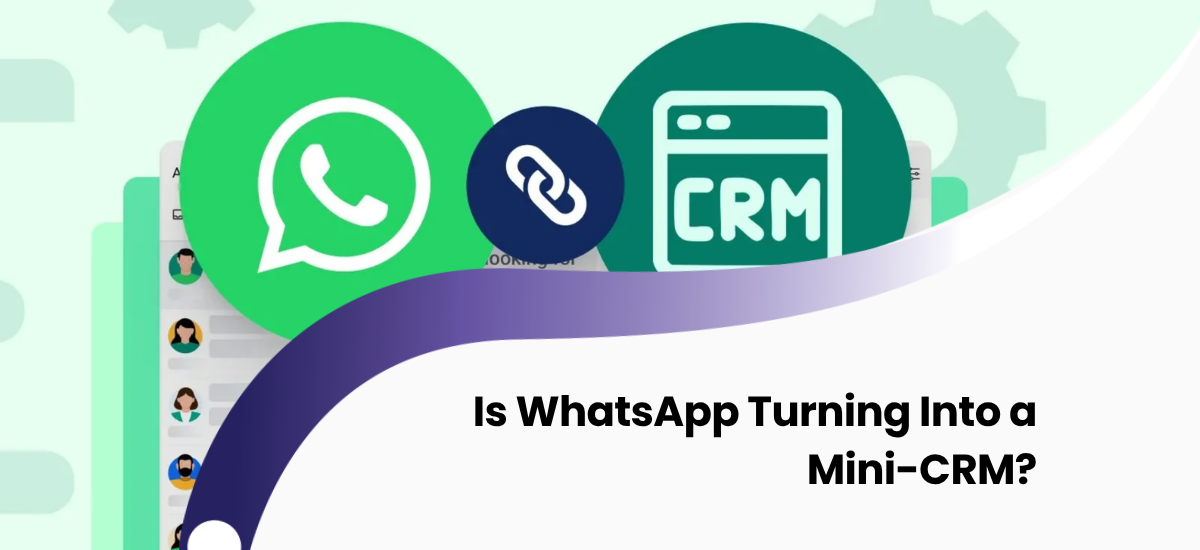
Every time you open the WhatsApp Business application, you encounter a new update designed for commerce: colorful customer labels, native product catalogs, automated quick replies, and structured order forms. What used to be a simple instant messaging tool just a few years ago is rapidly transforming into a transactional hub. This fast evolution raises a very logical question for small and medium-sized business owners: "If WhatsApp is becoming this functional, does my company actually need a separate CRM system anymore?"
This dilemma is highly relevant in today's digital-first markets. In this comprehensive article, we analyze the latest capabilities of the WhatsApp platform, what it executes perfectly, where its native tools hit a hard limit, and what the most profitable digital roadmap is for your sales operations.
What do modern WhatsApp business features offer to companies?
WhatsApp business features have been aggressively expanded by Meta in recent years, turning the application into a full-fledged commercial ecosystem. The core native features that allow businesses to manage their daily interactions more smoothly include the following tools:
Customer Labeling (Labels)
Users can organize incoming chats using custom, color-coded tags such as "New Customer," "Pending Payment," "VIP," or "Order Completed." This serves as a basic, visual form of customer segmentation.
Digital Product Catalogs
Companies can build a structured showcase within their business profile, complete with images, pricing, and descriptions. Customers can browse inventory and place items directly into a shopping cart without leaving the chat interface.
Automated Quick Replies
Away messages for out-of-office hours, greeting texts for newcomers, and pre-written message templates to address frequently asked questions (FAQs) are now standard elements of the application.
WhatsApp Flows (Interactive Forms)
Introduced to enable rich interactions, Flows allows businesses to build customized structures inside the chat screen, enabling users to book appointments, fill out intake forms, and complete surveys natively.
WhatsApp Business API Ecosystem
Designed for mid-market and enterprise operations, the official API infrastructure empowers organizations to send secure broadcast messages at scale, manage multiple logins, and deploy advanced AI-driven conversational bots.
Can you use WhatsApp Business CRM capabilities for core sales?
WhatsApp Business CRM setups can handle basic tasks for micro-businesses with small customer bases during their initial launch phase. However, as your operations expand, it is critical to evaluate where native app functions succeed and where they experience operational blockages:
| Business Function | WhatsApp Business Capabilities | Dedicated CRM Systems |
|---|---|---|
| Customer interaction | Excellent and immediate engagement | Requires integration modules |
| Product showcase | Available inside native catalog | Connected directly to Inventory & ERP |
| Basic sorting | Limited number of color tags | Deep filters, custom tags & fields |
| Sales pipeline management | Not available | Visual drag-and-drop Kanban pipelines |
| Advanced analytics | Not available | Automated financial & performance charts |
| Multi-agent team scaling | Highly limited (maximum 4-5 devices) | Unlimited team seats with role permissions |
| External software connections | No native system connections | Seamless 1C, Accounting & ERP integration |
CRM vs WhatsApp: Can messaging channels replace complex operations?
CRM vs WhatsApp comparisons clearly highlight a fundamental operational truth: if you are managing fewer than 10 active customers at any given time, the native WhatsApp Business app will serve you perfectly. However, the moment your active database crosses 20-30 customers and your team expands, relying solely on the messaging application will trigger severe operational chaos due to their core architectural differences:
- WhatsApp is engineered for instantaneous, high-engagement conversations with a customer.
- CRM is engineered to systematically manage the entire customer relationship, sales stages, historical data, and corporate metrics.
For example, if you need to review the exact pricing terms, specific contract files, or custom context notes shared with a client 6 months ago, WhatsApp forces you to manually scroll through thousands of lines of chat logs. In a professional CRM platform, that historical blueprint is safely anchored within the customer profile card, accessible in a single click.
How to execute a seamless WhatsApp CRM integration for growth?
WhatsApp CRM integration ensures that every chat interaction becomes an immediate asset within your sales engine rather than a siloed thread. Instead of treating messaging apps and databases as rival platforms, an integrated deployment connects them into a unified workflow:
- A new potential buyer sends an inquiry through your official WhatsApp number.
- The system automatically intercepts the message and builds a new, structured "Lead" profile inside the CRM dashboard.
- Your sales agents reply, attach digital proposals, or trigger invoices straight from the CRM screen directly to the user's phone.
- The complete conversation blueprint is archived permanently under that customer profile, ensuring zero loss of context if an agent leaves the company.
In our proprietary solutions, such as Topaz B2B CRM, this automated integration workflow represents the core engine that maximizes team performance and eliminates human error.
Strategic Selection Blueprint Based on Scale
To determine the optimal technological infrastructure for your current operational volume, consult the structure mapping matrix below:
| Active Customer Volume & Team Size | Recommended Digital Architecture |
|---|---|
| Fewer than 10 active clients, 1 single user | The standard, native WhatsApp Business app is completely sufficient. |
| 10 to 30 active clients, 1-2 team members | Native WhatsApp combined with a lightweight or cloud-based introductory CRM tool. |
| 30 to 100 active clients, multiple sales reps | A centralized CRM system fortified with professional WhatsApp channel integration. |
| More than 100 active clients, distinct departments | An enterprise-grade, custom CRM solution powered by official WhatsApp Business API endpoints. |
Frequently Asked Questions
What is the core operational difference of the WhatsApp Business API and how is it billed?
The standard mobile app is free but hits an operational wall regarding device scaling and bulk broadcasts. The API unlocks corporate-grade scale, allowing unlimited sales representatives to engage customers using a single official corporate number, backed by automated bots. Meta applies conversation-based pricing, charging fixed fees depending on the category (marketing, utility, service, or authentication) per 24-hour session.
How long does it take to connect WhatsApp to an existing database setup?
For standard turn-key platforms (such as Bitrix24 or amoCRM) utilizing pre-built connector modules, implementation requires roughly 3 to 7 business days. If you are deploying the connection into a proprietary or custom software application from scratch, configuring the custom API endpoints typically takes 2 to 4 weeks.
How secure is our customer data when integrating these channels?
WhatsApp uses robust end-to-end encryption protocols during message transmission. However, once you deploy an official API hook, the data payload is processed and stored on your company's servers or your CRM vendor's cloud environment. To protect sensitive business intelligence, your target CRM architecture must utilize strong encryption protocols and dependable automated backup mechanisms.
Conclusion
While WhatsApp is undoubtedly turning into an excellent "Mini-CRM" for basic interactions via features like labels and interactive flows, it remains an communication layer rather than a true database system. Just as standard spreadsheets fail at complex analytics, a siloed messaging app cannot orchestrate growing enterprise workflows or long-term pipelines independently.
The most intelligent and high-yield strategy for modern businesses is to stop treating these tools as competing solutions, but rather to unify them into a cohesive, synchronized architecture. By doing so, your customers continue chatting on the messaging channel they prefer, while your management maintains total control over the data pipeline behind the scenes.
Are you ready to audit your existing sales process and integrate your WhatsApp communication channel into a professional CRM infrastructure? Contact the Crocusoft engineering team today to receive a completely free consultation →